
Employee Onboarding Forms: How to Go Paperless Without the Chaos
Paper-based onboarding creates friction before a new hire's first real day. Learn how adaptive digital forms with conditional logic, file uploads, and analytics eliminate the chaos and help HR teams scale.

Founder & CEO
Software engineer and entrepreneur with 10+ years building B2B SaaS products. Founded Formalingo to eliminate manual document workflows with AI.
The moment a new hire accepts an offer, your company's first impression shifts from recruitment to operations. That impression is often shaped by a stack of PDF attachments, email threads requesting signatures, and a checklist of forms to print, fill, scan, and return. Before they have attended a single meeting or shipped a single line of work, they have already experienced your organization at its most bureaucratic. The onboarding paperwork experience is a cultural signal — and most companies are sending the wrong one.
The Paper Trail Problem in Employee Onboarding
According to the Society for Human Resource Management (SHRM), a typical new hire may need to complete a dozen or more separate documents before their first day or in their first week: offer letter acknowledgment, tax withholding forms, direct deposit authorization, emergency contact forms, benefits enrollment packets, IT acceptable use policies, confidentiality agreements, department-specific acknowledgments, and more. The list grows with company size, industry regulation, and geography.
Manual, paper-based processes compound every problem in that list:
- Documents get lost. A signed form scanned on a personal phone and emailed as a JPEG is not a reliable record. Filing it in the right personnel folder — while onboarding five other people simultaneously — is a task that slips.
- Data entry errors multiply. When HR re-keys handwritten information into an HRIS, mistakes happen. A transposed digit in a bank account number or a misspelled legal name creates downstream problems that can take weeks to correct.
- Delays reduce productivity ramp. A new hire who cannot access payroll systems because direct deposit paperwork is still outstanding, or who cannot start a benefits election because the enrollment window closed while they were waiting for guidance, is a new hire who feels unsupported. According to a Brandon Hall Group study, organizations with a strong onboarding process improve new hire retention by 82% and productivity by over 70%. The inverse is also true: a broken onboarding experience is correlated with early attrition.
- Compliance exposure is real. Paper records are harder to audit, easier to lose, and offer no timestamps or version history. In regulated industries — healthcare, finance, legal — that is not a minor inconvenience; it is a liability. (For more on how different industries benefit from digital forms, see our industry breakdown.)
The solution is not to digitize the stack of PDFs and call it done. Emailing a fillable PDF is still a paper-era process with a thinner veneer. A genuinely modern approach requires rethinking the workflow from the ground up.
What a Modern Digital Onboarding Workflow Looks Like
A well-designed digital onboarding flow treats each new hire as an individual moving through a guided experience, not a recipient of a document dump.
A unique, shareable link per hire. Instead of attaching ten files to a welcome email, HR generates a single secure link tied to that specific employee. The link is pre-personalized — it already knows their name, start date, role, and department — and it expires or locks after completion. There is no ambiguity about which version of a form they signed or whether they received the right set of documents.
One question at a time. Presenting a new hire with a 30-field form on a single page is cognitively overwhelming. A one-question-at-a-time interface — the kind pioneered by conversational form tools — reduces abandonment, improves answer quality, and makes the experience feel less like bureaucracy and more like a conversation. UX research widely indicates that conversational, one-question-at-a-time forms achieve higher completion rates than traditional long-form layouts.
File uploads built into the flow. Forms that need supporting documents — a government-issued ID for I-9 verification, a voided check for direct deposit, a professional certification — should accept those uploads directly, inline, at the moment they are relevant. Asking someone to email attachments separately is a friction point that causes delays and lost files.
Auto-save so no progress is lost. A new hire who is interrupted mid-form — a call from their future manager, a child home from school, a spotty internet connection — should never lose their answers. Automatic, per-answer saving means they can resume exactly where they left off, on any device, without starting over.
Mobile-first, not mobile-tolerated. A significant share of employees will complete onboarding forms on a phone, particularly hourly workers, field staff, and distributed teams. Forms that were designed for a desktop and then made to technically work on mobile are not the same as forms built for mobile from the start. Tap targets, keyboard types (numeric for phone numbers, email for email fields), and single-column layouts all matter.
Smart Forms That Adapt to Each New Hire
The most powerful capability of modern form tooling is conditional logic — the ability to show or hide questions based on earlier answers. In onboarding, this transforms a generic document stack into a personalized workflow.
Consider how differently these scenarios should be handled:
Contractor vs. full-time employee. A full-time hire needs benefits enrollment, a direct deposit form, and an equity grant acknowledgment. A contractor needs a W-9, an independent contractor agreement, and an NDA. Presenting both sets of documents to everyone wastes time and creates confusion. A single conditional branch on employment type sends each person down exactly the right path.
Benefits enrollment for eligible employees. Benefits eligibility often depends on hours worked, employment classification, or location. Rather than asking every new hire to wade through a benefits packet that may not apply to them, a conditional form can skip the entire benefits section for ineligible employees and surface it prominently — with the right plan options — for those who qualify.
State-specific tax forms. A company with employees across multiple states needs to collect different withholding forms depending on where an employee works. Asking a new hire in Texas (which has no state income tax) to fill out a state withholding form is confusing and erodes trust in HR's competence. A conditional branch on work location routes each person to the correct state-specific questions and skips irrelevant ones entirely.
Department-specific acknowledgments. Engineering teams may need to acknowledge a source code ownership policy. Sales teams may need to sign a commission plan addendum. Finance employees may need to complete a conflicts-of-interest disclosure. Rather than building and maintaining separate onboarding forms per department, a single adaptive form can include all of these sections and surface only the relevant ones based on the department field captured early in the flow.
The result is a form that feels tailored and intelligent rather than generic and exhausting. New hires complete only what applies to them, which reduces time-to-completion and signals that the organization pays attention to detail.
Measuring Onboarding Efficiency with Form Analytics
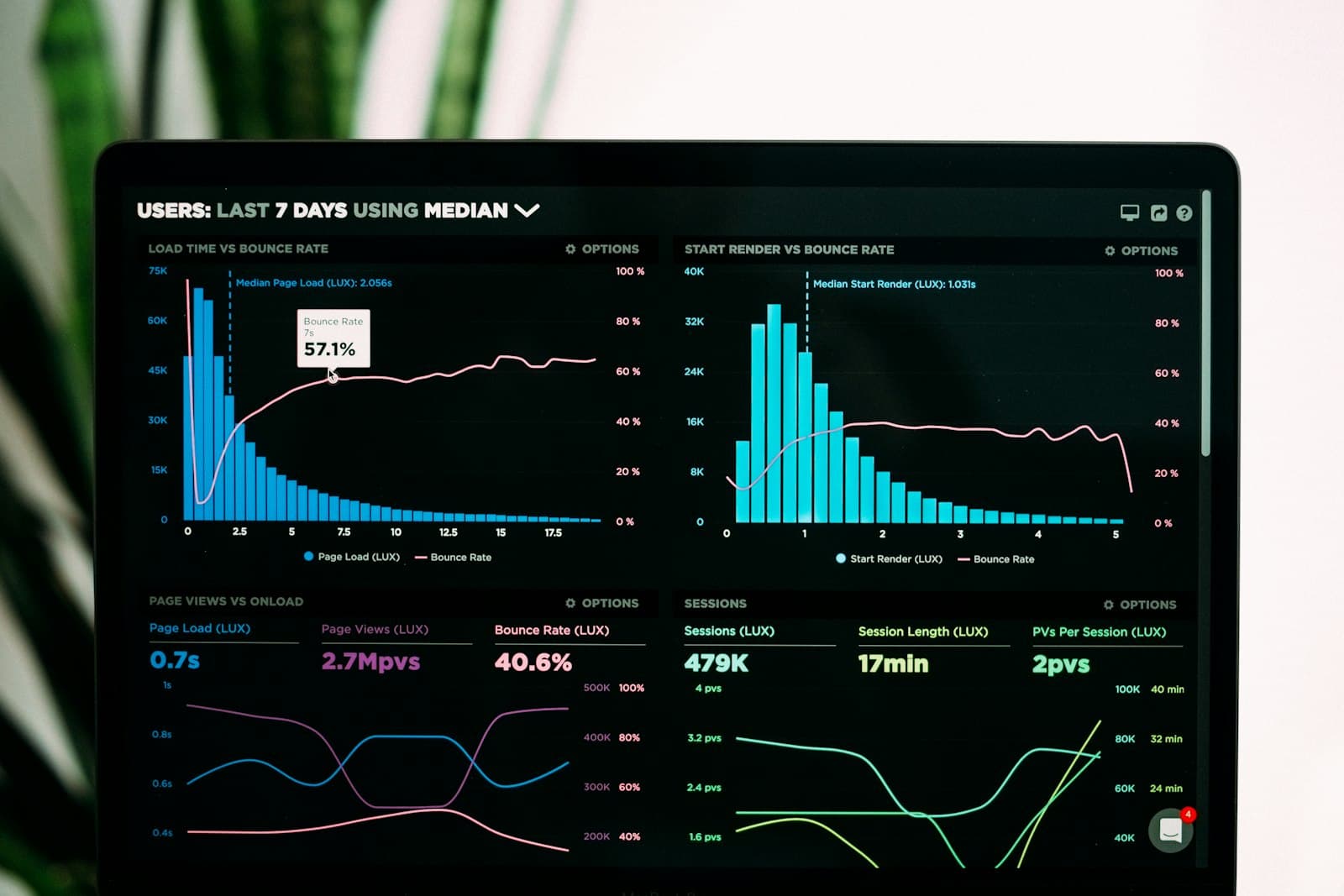
Digitizing onboarding forms is not a one-time project — it is an ongoing process. The advantage of digital forms over paper is that they generate data that can be used to improve the experience continuously.
Completion rates reveal whether new hires are actually finishing the process. A completion rate below 90% for a mandatory onboarding form is a signal worth investigating. Is the form too long? Is there a question that is confusing or that people do not have the answer to at that moment? Is the form failing on a specific device type?
Time-to-complete helps HR set realistic expectations and identify outliers. If most new hires finish in 18 minutes but some are taking 90, something in the flow is creating friction. It may be a file upload requirement they were not prepared for, or a benefits question that requires them to stop and research plan options.
Drop-off points are the most actionable insight. A field-by-field view of where people abandon a form in progress tells you exactly where the experience breaks down. A sudden spike in abandonment after question 12 in a 20-question form almost always points to a specific problem — a confusing question, a required field that asks for information the hire does not have on hand, or a technical issue on a particular device or browser.
Iteration based on data. With paper processes, the only feedback signal is when something goes wrong badly enough that someone complains. With digital forms and built-in analytics, HR can proactively identify friction, test changes, and measure whether those changes improved completion rates and time-to-complete. Onboarding becomes a product that improves with every cohort of new hires. For a deeper look at which metrics matter most, see form analytics that actually drive better decisions.
Analytics also support compliance reporting. A timestamped record of when each new hire viewed, completed, and submitted each section of an onboarding form — along with the answers they provided — is a durable audit trail that paper processes cannot provide.
Formalingo's form builder lets HR teams create adaptive onboarding forms with conditional logic, file uploads, and real-time analytics — no coding required. See it in action.
Continue Reading


Stop tagging fields by hand.
Let AI do it in seconds.
Start free — no credit card required.